Maya Mirror Tool
Works with Maya 2017-2026
New version out - V1.09
Check documentation for more.
How to install:
A very useful tool for artists that want a quick and easy way to mirror their work.
For best user experience bind the script to a hotkey!
Description:
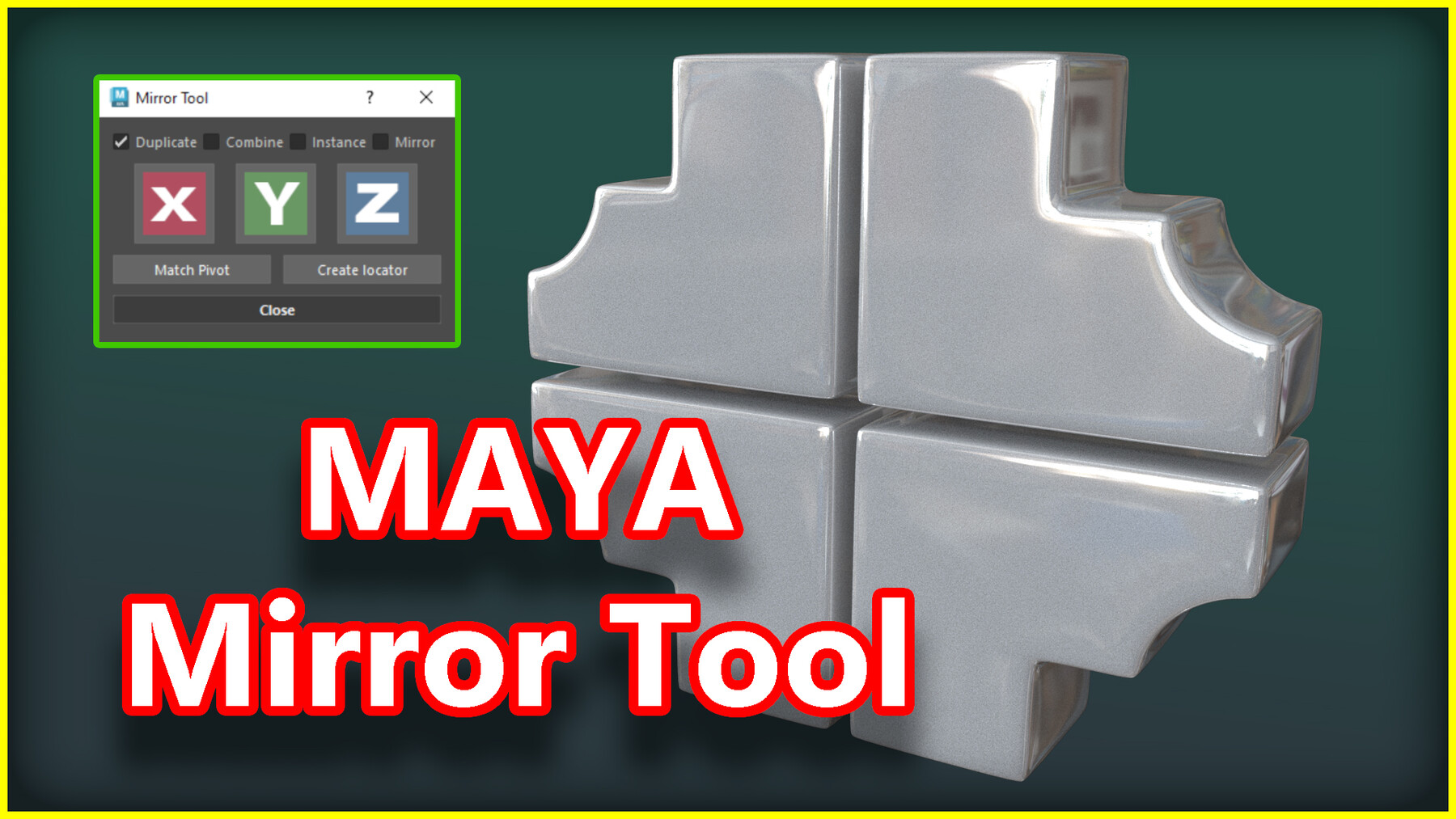
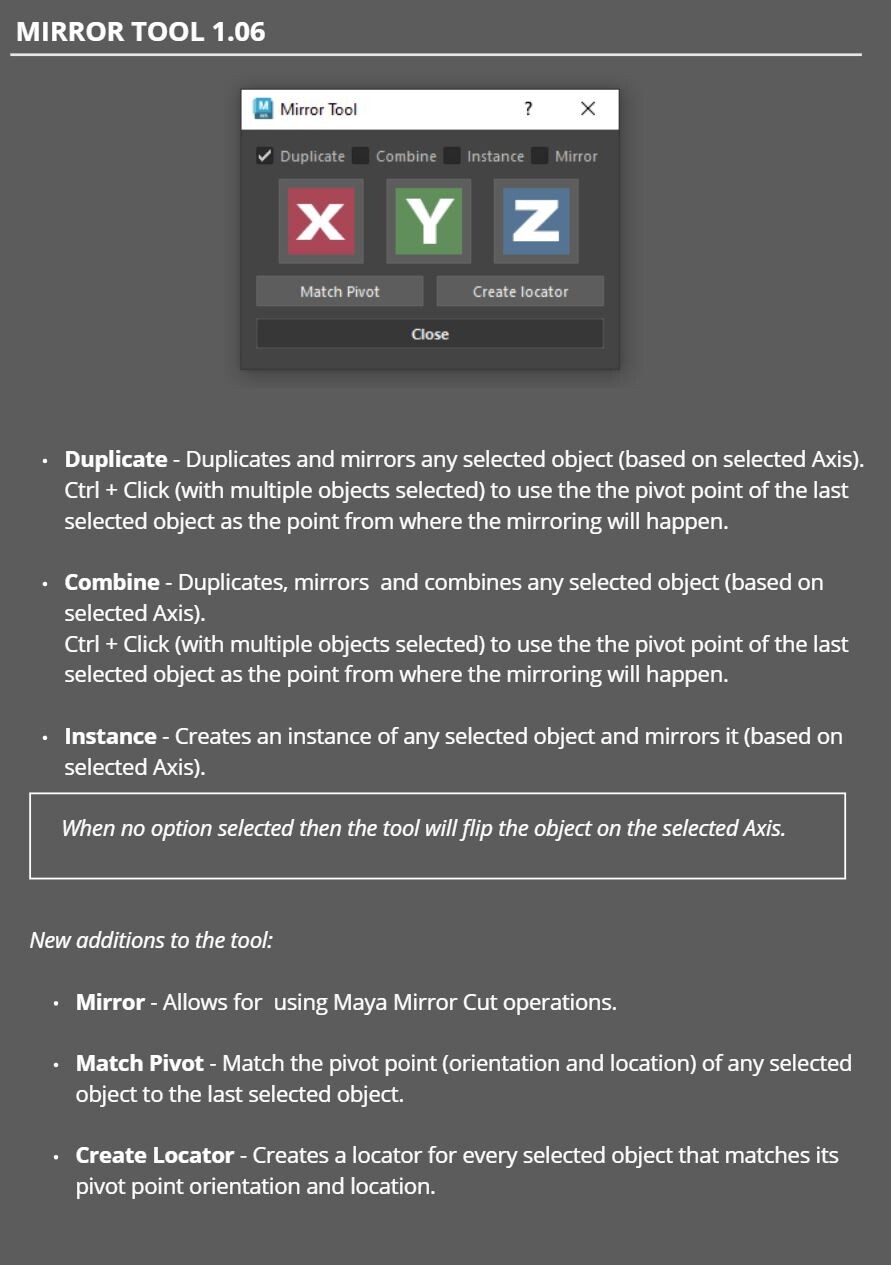
X-Y-Z mirror buttons will mirror your mesh on each corresponding axis.
Duplicate Mirror
- will duplicate and then mirror on a selected axis. (This option will always be on by default).
Combine Mirror
- will duplicate your mesh and then combine it with the original. (Works with having multiple meshes selected).
Instance Mirror
- will create an instance of the selected mesh on a selected axis.
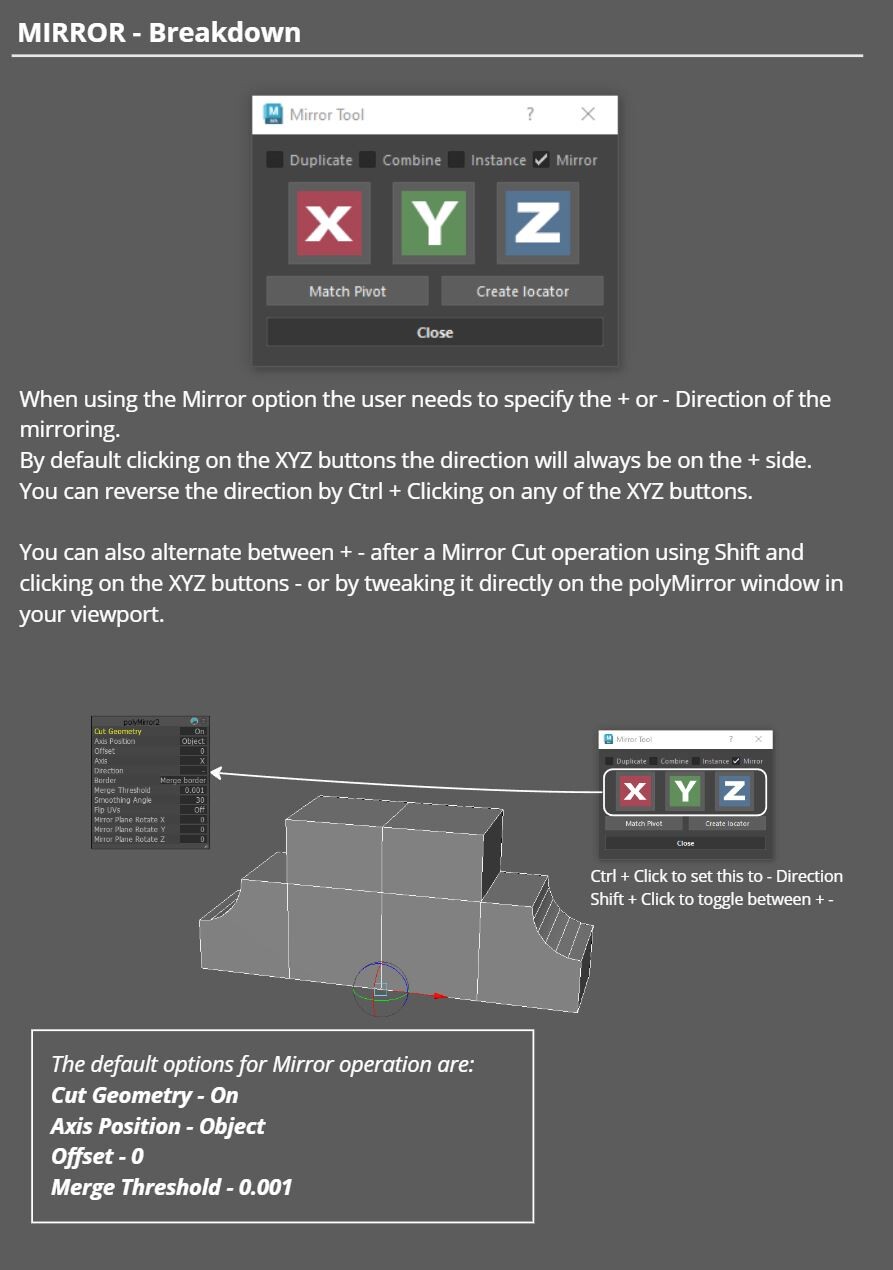
Mirror
- Uses Maya's Mirror Cut tool to mirror geometry. Default orientation is set to + Ctrl+Click to change it to -.
If nothing is checked then X-Y-Z will just mirror your selected mesh.
Mirror from last selected (works on all operations apart from Mirror) - uses the last selected objects pivot point to mirror all other selected objects.
Match Pivot - Match the pivot point (orientation and location) of any selected object to the last selected object.
Create Locator - Creates a locator for every selected object. That locator will match each objects pivot point orientation and location.
Release Notes
Version 1.10
Documentation here!
Fixed bugs:
- Locators should now be created and not be parented to the selected objects.
- Mirroring from last selected will not take into account the last selected object.
- Mirroring in world space will now have a merge threshold of 0.001 and the offset will always be calculated so the Mirror place matches the potision of your object's pivot point.